

 Resources
Build a mobile app experience that helps users move through your app naturally with a customizable home screen, bottom bar, and side menu.
Navigation shapes how users discover content, access key screens, and move through your app. AppMySite gives you flexible navigation tools so you can decide what users see first, where each navigation item leads, and how your app’s main entry points appear.
You can build a custom home screen, configure a bottom bar for high-priority actions, and create a side menu for broader navigation. Each item can have its own label, icon, destination, order, and styling, giving you control over both structure and usability.
AppMySite gives you three main ways to shape app navigation: the bottom bar, the side menu, and the home screen builder. Together, these help you decide what users see first, which destinations stay within easy reach, and how deeper content is organized.
The bottom bar is ideal for high-priority destinations. You can add items, choose labels and icons, select where each item should lead, reorder items, and set one item as the default home screen. When you add more items than the bottom bar can comfortably show, AppMySite automatically places additional destinations inside a “More” menu.
The side menu gives your app a broader navigation layer. It works well for secondary destinations, account-related screens, social links, custom links, categories, pages, posts, and other app areas that do not need to sit permanently in the bottom bar. You can customize the menu items, icons, labels, ordering, links, and visual settings.
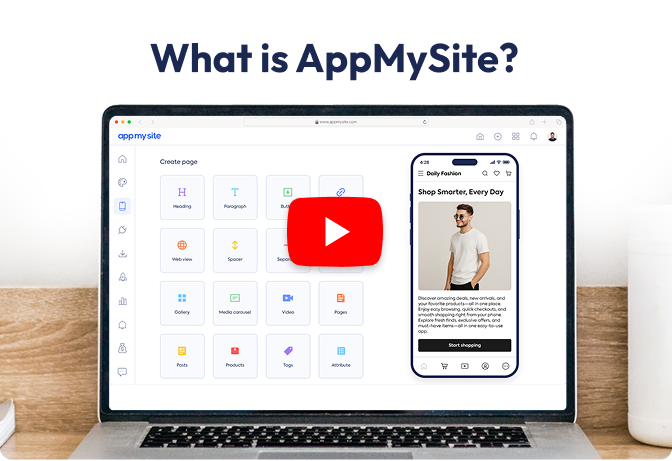
The home screen builder lets you design the main launch experience of your app. You can add and organize sections, choose data sources, select layouts, control styling, and decide how users discover key content from the first screen they see. This makes the home screen more than a landing page; it becomes a structured navigation hub for the app.
We’ve been featured on


















© 2018-2026 AppMySite Inc.