


 Resources

Create Android app builds and prepare your app for submission to Google Play.
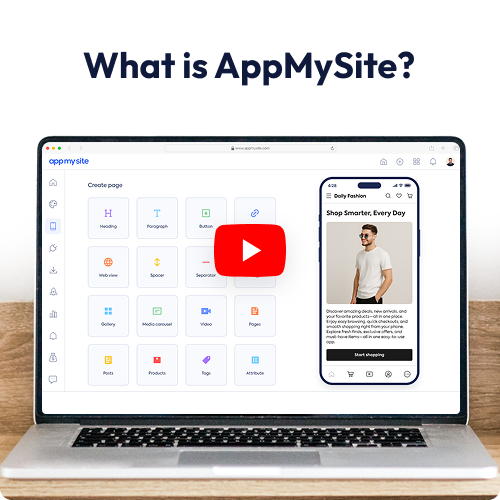
AppMySite helps you create the Android app files needed to publish your app on Google Play. Once your app is ready, you can generate the Android build from your AppMySite account and submit it through your own Google Play developer account.
This is useful if you want your customers, readers, members, or users to find your app on Google Play and install it on their Android devices. AppMySite handles the app-building side, while the final submission and review process happens through Google.
You first create and configure your app inside AppMySite. This includes your app design, navigation, content, features, settings, and any product-specific configuration your app needs.
When the app is ready, you can generate the Android build required for Google Play submission. Google Play generally uses Android App Bundles, so AppMySite helps you generate the AAB file needed for the publishing process.
You will also need the usual Google Play listing details, artwork, screenshots, version information, privacy details, data safety information, and review information required by Google.
You need a Google Play developer account to publish the app under your own business or organization name. Google reviews the submitted app before it goes live, so your app should follow their app quality, content, privacy, and publishing requirements.
If you do not want to manage the submission yourself, you can buy AppMySite’s publishing service add-on and have our team publish the app for you.
We’ve been featured on

















© 2018-2026 AppMySite Inc.